Redesign of the User Interface in the Office Client
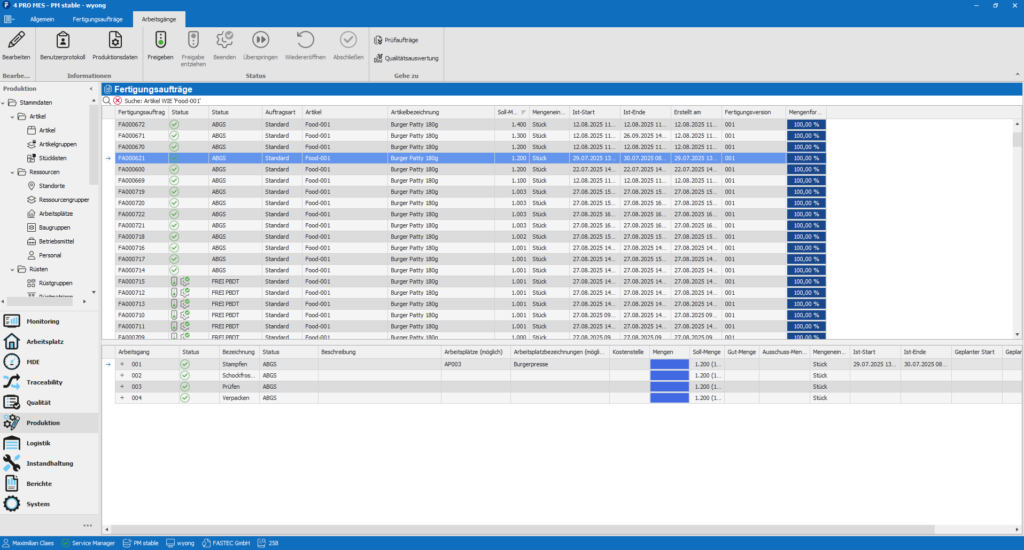
With new icons and a subtly modernized design, the office client features a refreshed visual appearance. The visual update provides clearer user guidance and supports intuitive operation in everyday work.
Greater Transparency through State Subcategories
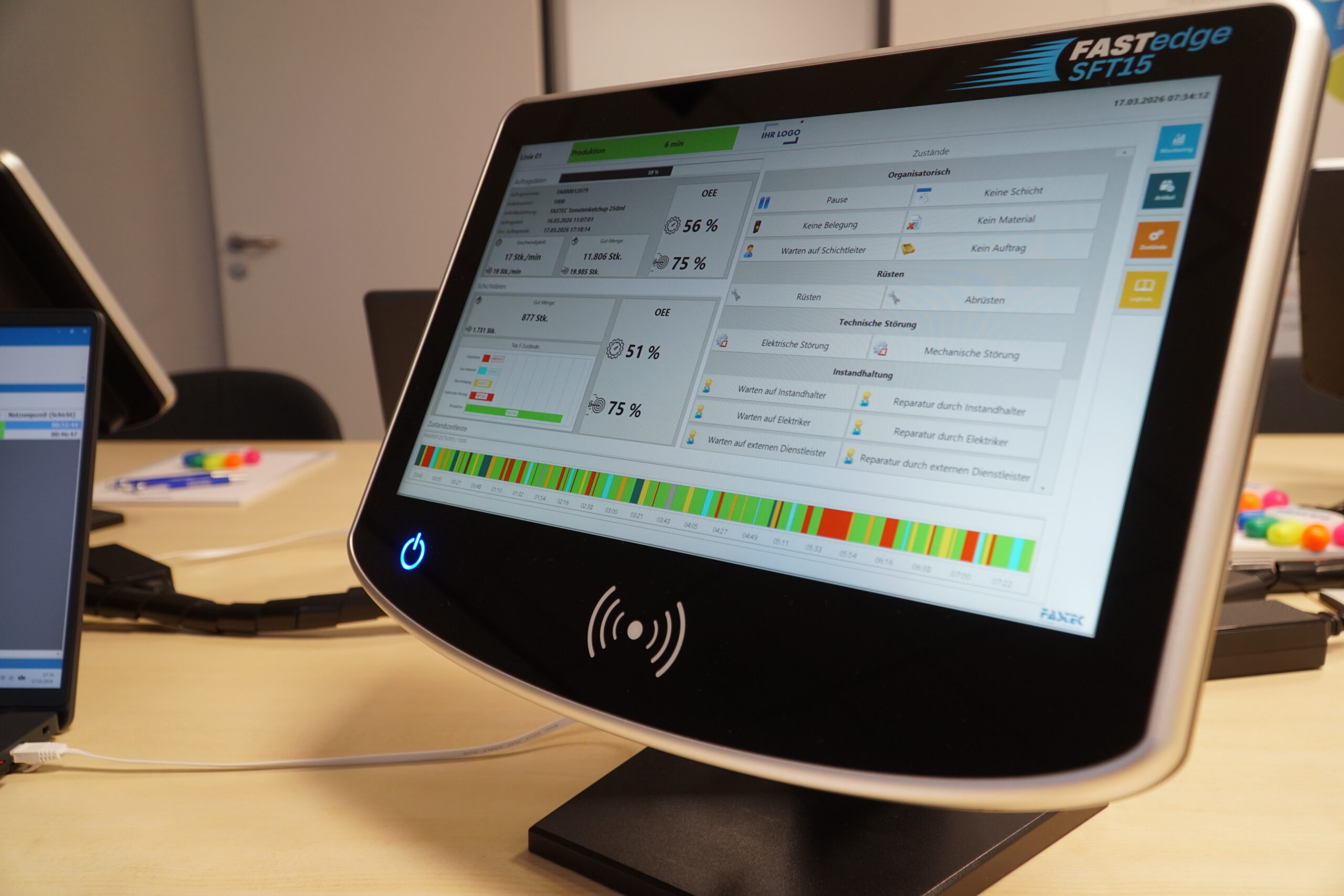
Subcategories are now consistently considered across all levels within Machine Data Acquisition (MDA) evaluations. State and overall equipment effectiveness (OEE) evaluations particularly benefit from this enhancement. When drilling down into categories, all associated subcategories are automatically included, enabling a more realistic representation of the actual structure of production states.
This creates a consistent and reliable data basis for OEE analyses, state evaluations, and KPI assessments. More complex production environments, where the previous three-level state tree structure was a limiting factor, can now be represented much more accurately in FASTEC 4 PRO.
Functional Enhancements in the Quality Assurance Module
New enhancements in quality assurance provide more structure, improved data quality, and more efficient workflows. Regular expressions can now be stored within quality master data in inspection plans to clearly define and validate text entries. This reduces rework and ensures reliable information for evaluations and MES analyses.
The inspection order screen in the office view is now significantly more structured and efficient to use thanks to new search and filter functions. The result: greater clarity when handling large inspection order lists. Users gain faster access to relevant quality assurance data and can organize their QA activities more efficiently.
Extended Calculated Data Points
Calculated data points continue to provide the ability to combine data points and display complex production data. They can still be centrally linked and used system-wide without additional programming effort. New time span calculations allow runtime, remaining time, or downtime to be calculated directly. Extended time periods are displayed clearly in days and time components.
String expressions and state expressions have also been expanded. Logical expressions can now be grouped more easily and reused centrally. Additionally, actual and target values can be consolidated more clearly.
This improves readability while reducing configuration effort.
Transparent Prioritization of Urgency in Maintenance
Maintenance urgencies are now displayed directly in the production client. Maintenance personnel can immediately identify which orders require prioritized handling and where urgent action is necessary.
Orders and requests can be filtered specifically by urgency, improving visibility and supporting structured processing on the shopfloor.
This enables clearer prioritization, shorter response times in case of disruptions, and improved coordination between maintenance, planning, and production.