Reading time 2 Minuten

More Know-How for Greater Manufacturing Efficiency

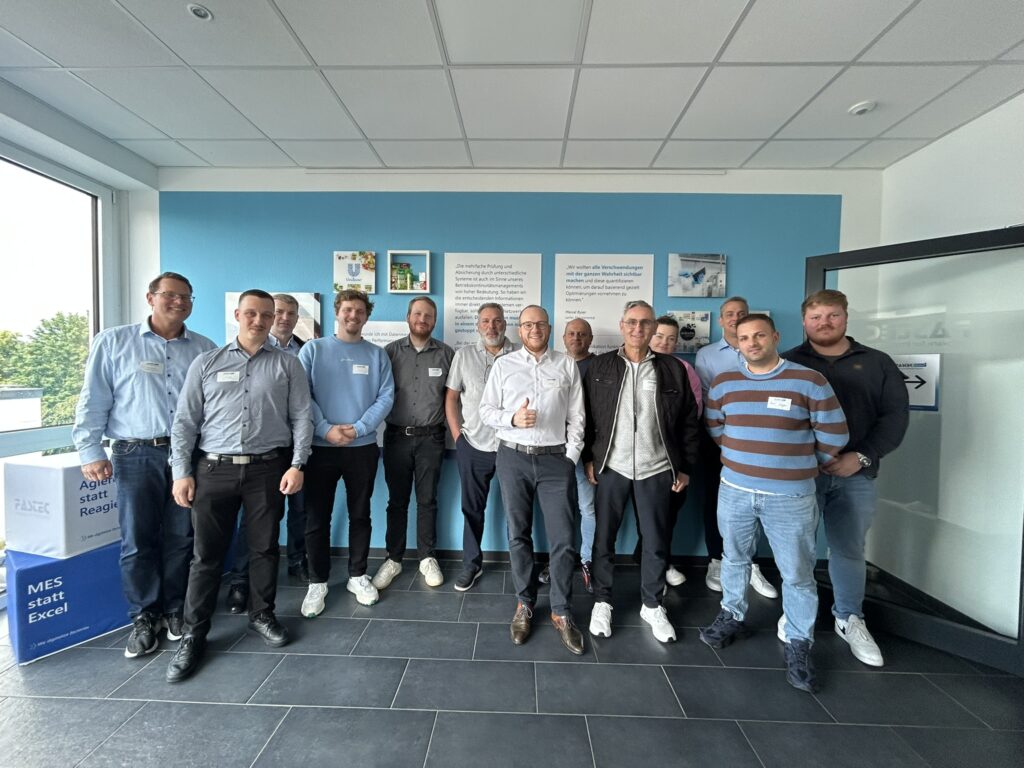
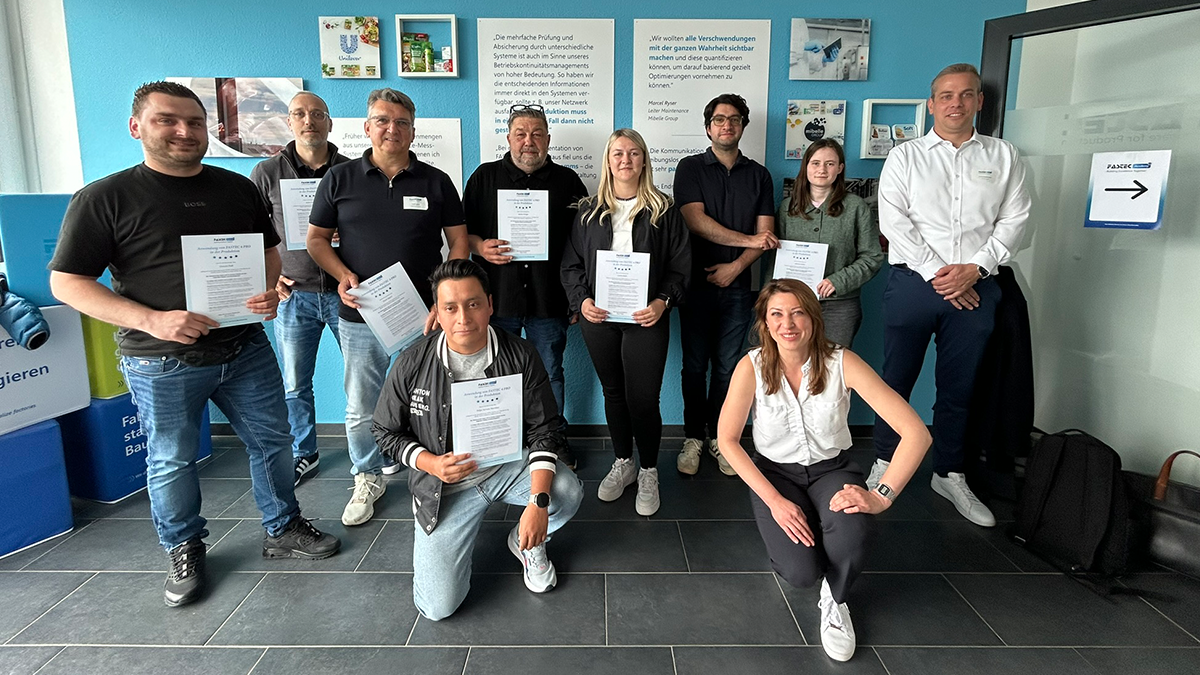
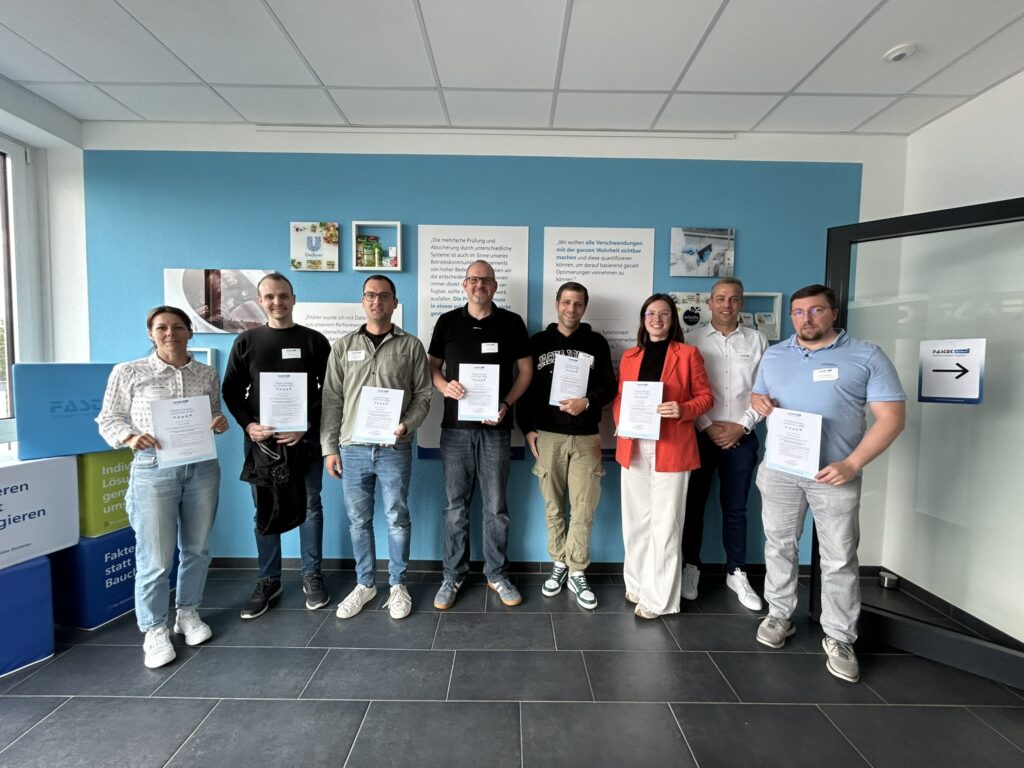
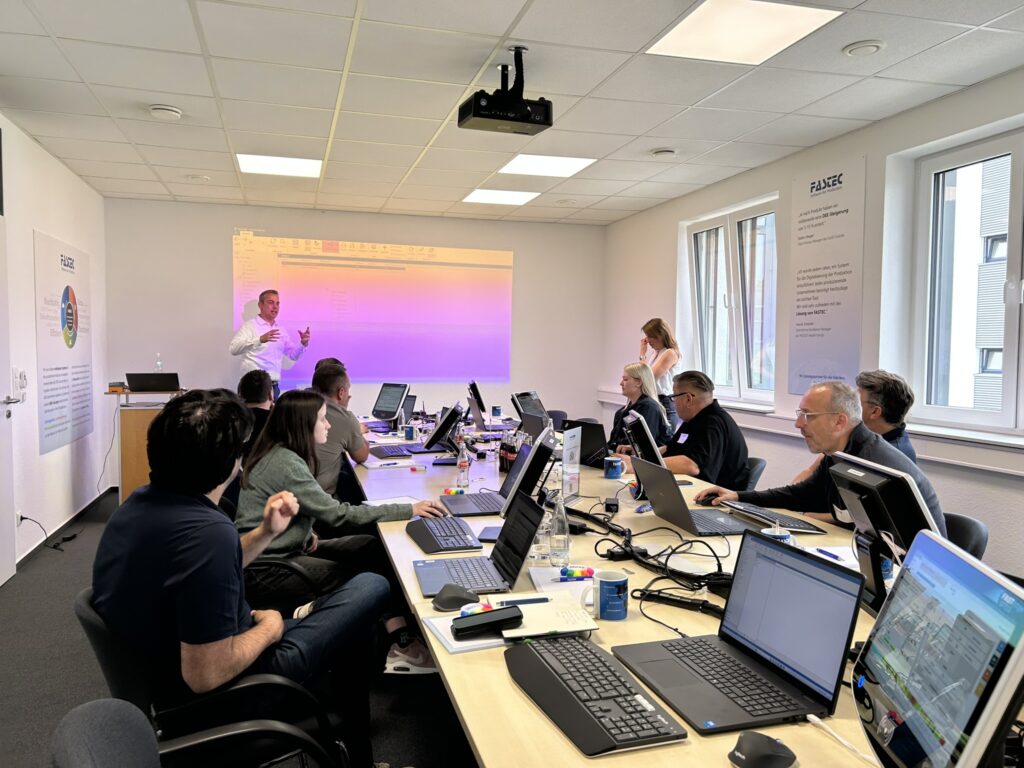
The three FASTEC Academy training sessions in June were entirely focused on practical application. During the sessions on June 9, 11, and 17, course participants gained valuable insights into the efficient use of FASTEC 4 PRO and deepened their knowledge in the areas of administration, configuration, and production. The goal was to make optimal use of the FASTEC 4 PRO MES in day-to-day production and to maximize its potential.
Reports and Administration

The training kicked off with a session on reports and administration. Participants learned how to reliably interpret production data and OEE metrics, navigate the system efficiently, and use key administrative functions effectively. From user management to alerts and process notifications to reports and cron jobs: The training provided the necessary foundation for confidently administering FASTEC 4 PRO and keeping day-to-day operations under control.

Template Designer

The second session focused on the Template Designer. Users explored how to create, configure, and design custom production clients ranging from the visualization of process and OEE data to status lists and alarm buttons, all the way to advanced elements such as web parts and the resource log. The focus was consistently on how to translate operational requirements into functional and intuitive user interfaces.
Production User Training

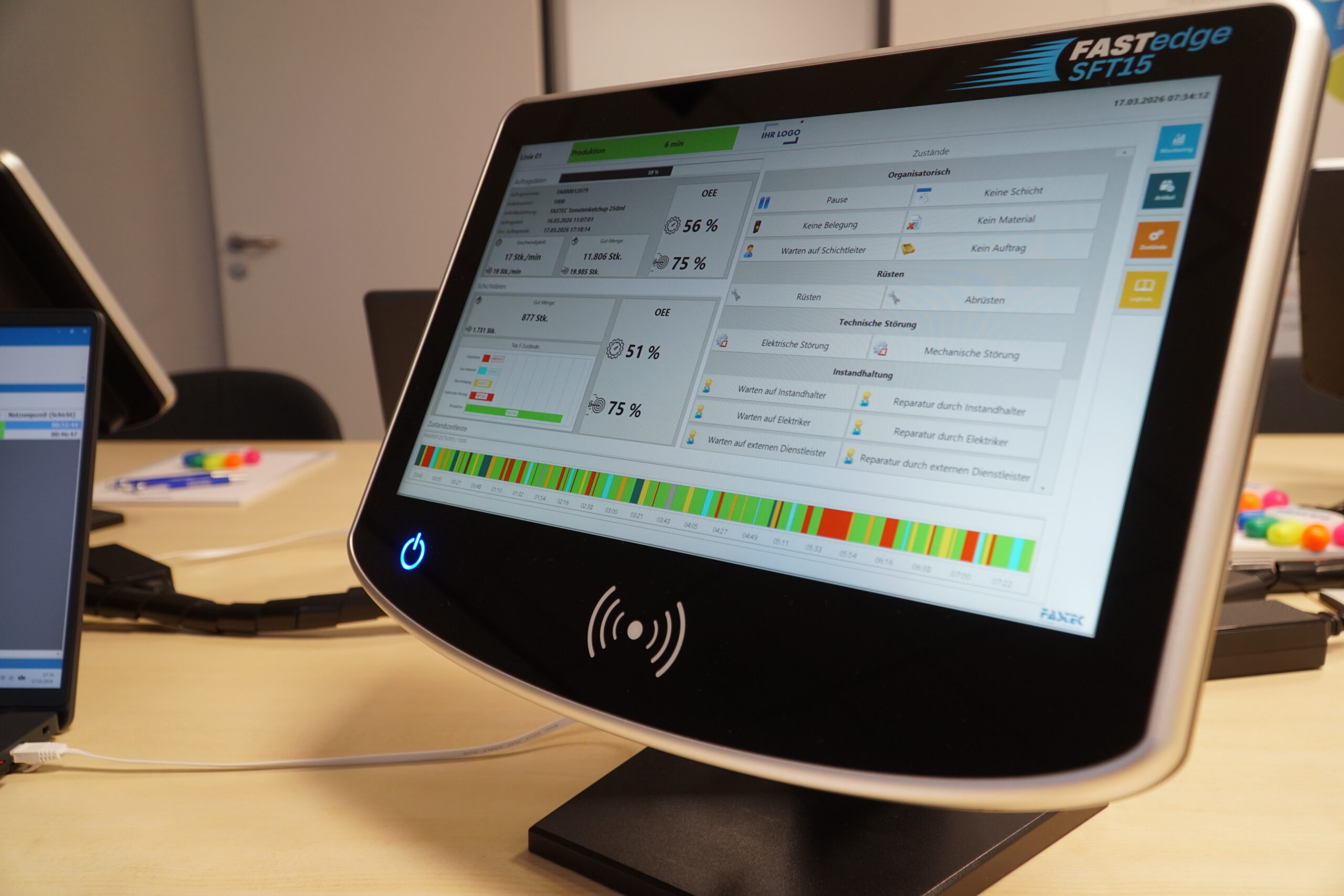
The program concluded with the Production User Training, which is designed for employees who work with FASTEC 4 PRO on the shop floor every day. Participants learned how to safely operate the production terminal, correctly record states, and register or create orders on the fly. In addition, the training focused on understanding the basics of OEE, interpreting key performance indicators directly on the terminal, and identifying opportunities for optimization in day-to-day production.

Successful Training Programs That Add Value

Overall, the training sessions received very positive feedback. Participants particularly appreciated the strong practical focus, the in-depth professional exchange, and the opportunity to raise specific questions related to their own daily work.

Register Now for The Next Training Session

The FASTEC Academy is held at regular intervals. We provide information about upcoming events in our newsletter and on our website. 

Would you like to join us next time? You can find all upcoming dates in the “Events” section—where you can register directly for the training session of your choice.

Author: Lars Knitter

Prokurist / Head of Sales & Marketing
Consulting for interested parties and customers as well as support for national and international digitalisation projects with experience since 2013.

Also interesting:

DETMERS Drives Digitalization with FASTEC 4 PRO

Digitalize Production Processes and Create Real-Time Transparency

With FASTEC 4 PRO as the central MES solution, Production Data is captured digitally across the entire production process and made available for informed decision-making during day-to-day operations.

Chapter

FASTedge SFT15

The 15-inch touch terminal is required for each machine. It has a universal RFID reader and two digital inputs for machine connection as standard.

Terminal, Shopfloor, Tablet, Produktion, FASTedge, MES, MES-Einstieg, FASTEC

FASTedge Box

Both the terminals and the machines are connected to the EdgeBox via LAN or WiFi. The cloud connection is made via your network or mobile communications. At least one EdgeBox is required. The system can later be moved to your own server.

Edgebox, MES-Einstieg, MES, Edge, Hardware, FASTEC, FASTedge

User

Personal users are required to report the collected data. The number of employees involved in data acquisition in your production does not matter.

Systems

Each line and machine in your production is licensed individually.

Thank You for Your Interest in FASTEC

Please confirm your data for the free download. After filling out this form, you can directly download our User Reports and Whitepapers.

  • This field is for validation purposes and should be left unchanged.
  • This field is hidden when viewing the form
  • This field is hidden when viewing the form
  • * = Required Field
  • This field is hidden when viewing the form